Supports 11 formats
mp3, mp4, wav, m4a, webm, mov, mkv

Tool
Paste a public media URL from a supported platform. Votxt creates an editable transcript with progress updates.
mp3, mp4, wav, m4a, webm, mov, mkv
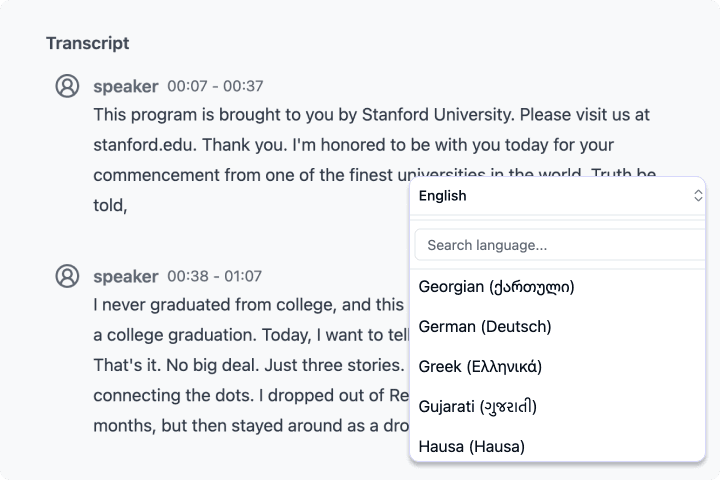
Auto detect and multilingual transcripts
TXT, DOCX, PDF, SRT, VTT, CSV
Paste a public media URL from a supported platform.
Votxt creates an editable transcript with progress updates.
Download captions and documents or create a share link.
With AI technology, you can quickly turn audio and video into text in just a few minutes. Votxt supports 63 languages and a range of formats.
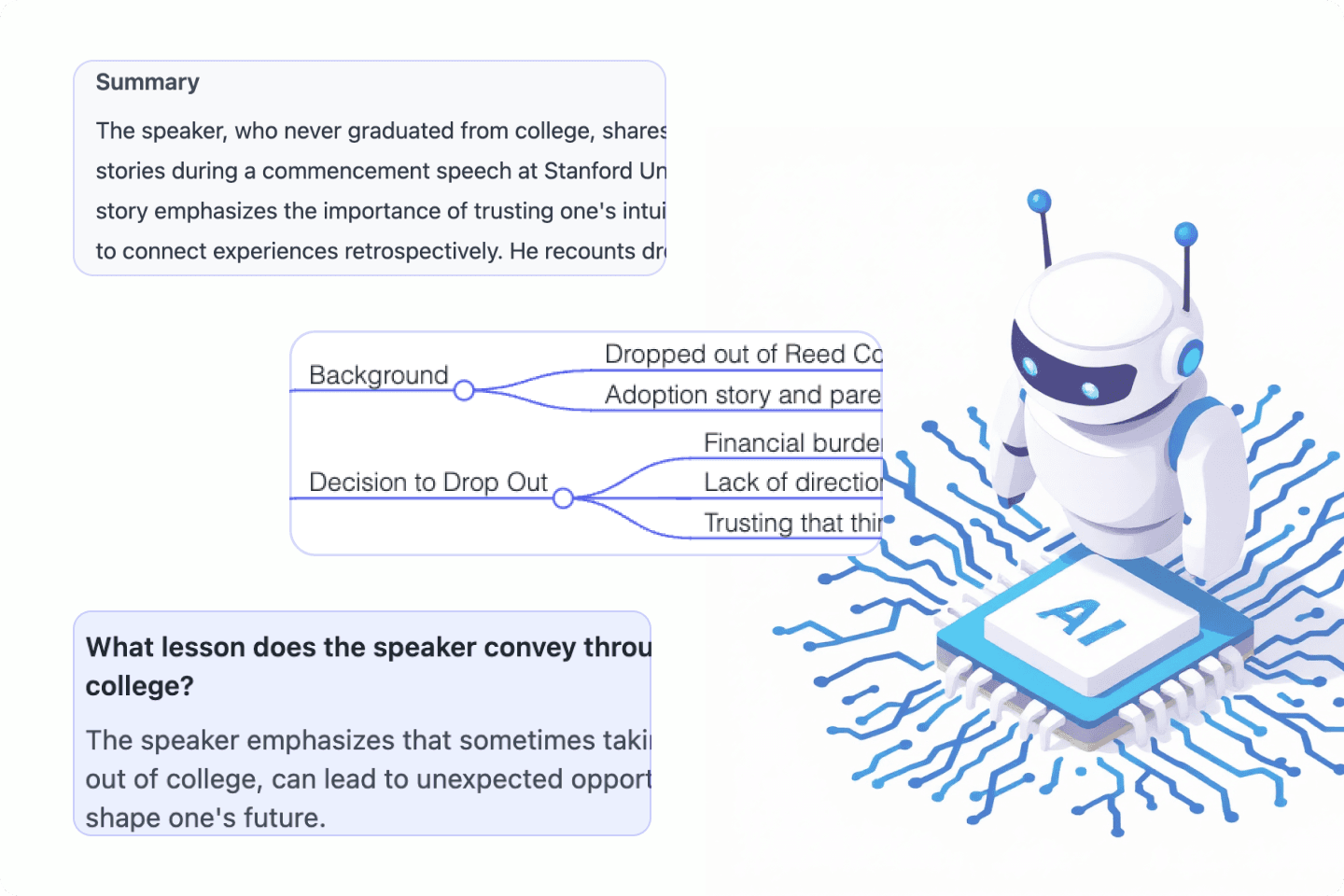
Summarize long recordings, extract key points, create mind maps, and ask questions from the finished transcript without leaving Votxt.
Try It FreeExport transcribed text in TXT, DOCX, PDF, SRT, VTT, and CSV. You can also share a link for others to view the transcript directly.
Try It Free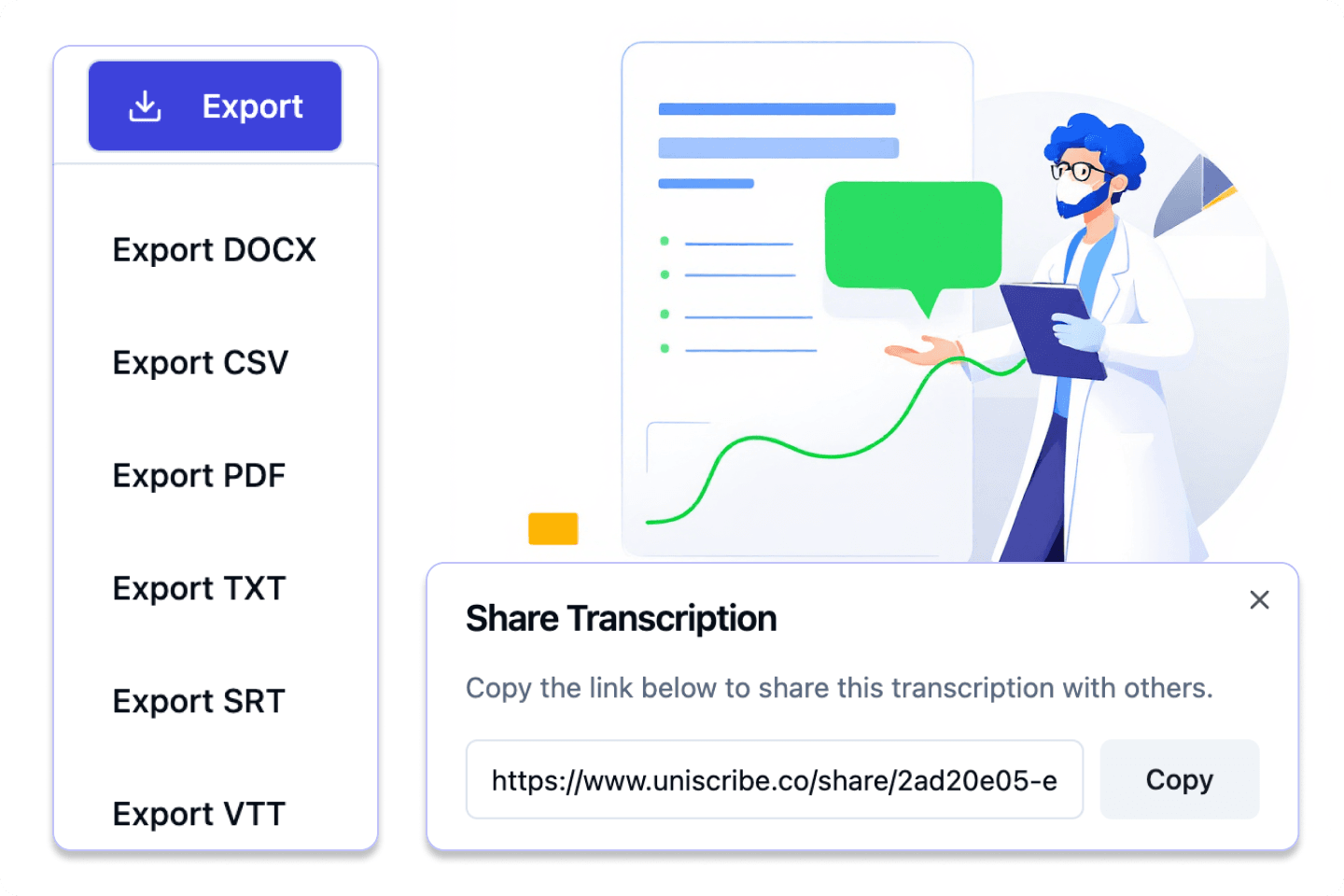
Below are the main languages supported for transcription and subtitles.
Effortlessly transcribe audio and video, saving you time and helping you focus on what matters.
Yes. The Free plan includes monthly minutes, daily file limits, transcript editing, and standard exports.
Votxt supports common audio and video formats including mp3, wav, m4a, flac, mp4, mov, mkv, webm, and wmv.
Yes. Completed jobs export SRT and VTT, plus TXT, DOCX, PDF, CSV, and other transcript formats.
A few simple habits help Votxt return cleaner transcripts, captions, summaries, and exports.
A quiet recording with stable volume improves punctuation, timestamps, speaker labels, and proper nouns.
Upload a file from your device or paste a public video link when you do not want to download first.
Edit the transcript, then export TXT, DOCX, PDF, SRT, VTT, or CSV for the format you need.